
SEO
7 min read
SEO vs GEO: The Basics and the Difference
Classic SEO still matters, but GEO is emerging — optimization for AI answers. We cover the basics of both and how they differ.
Read Article

Website speed is one of the most important factors affecting both user experience and search engine rankings. Google research shows that 53% of mobile users abandon a site if it takes longer than 3 seconds to load.
Image optimization is the first and often most effective step. Convert images to modern formats — WebP or AVIF — which maintain quality at significantly smaller file sizes. Implement responsive images with the srcset attribute so each device receives an appropriately sized version. Don't forget lazy loading — images not visible on screen don't need to load immediately.
JavaScript optimization is the second critical aspect. Every kilobyte of JavaScript is more expensive than the same amount of images, because the browser must parse and execute it. Use code splitting to load only the JavaScript needed for the specific page. Defer non-critical script loading with defer or async attributes.
Server-side optimization includes caching strategies, CDN (Content Delivery Network) usage, and reducing server response time. Modern platforms like Cloudflare Workers or Vercel Edge Functions allow serving content from the geographically nearest point, reducing latency to a minimum.
Font loading is often overlooked, but it can cause visual flickering (FOUT) or invisible text (FOIT). Use font-display: swap, load only the necessary weights and character subsets, and consider system fonts as a fallback.
Regularly measure website performance with Google Lighthouse, WebPageTest, and Chrome DevTools Performance panel. Set performance budgets and automated alerts to prevent regressions before they reach production.
Classic SEO still matters, but GEO is emerging — optimization for AI answers. We cover the basics of both and how they differ.

Without analytics you're flying blind. We cover why Google Analytics and Search Console are essential and how to connect them.
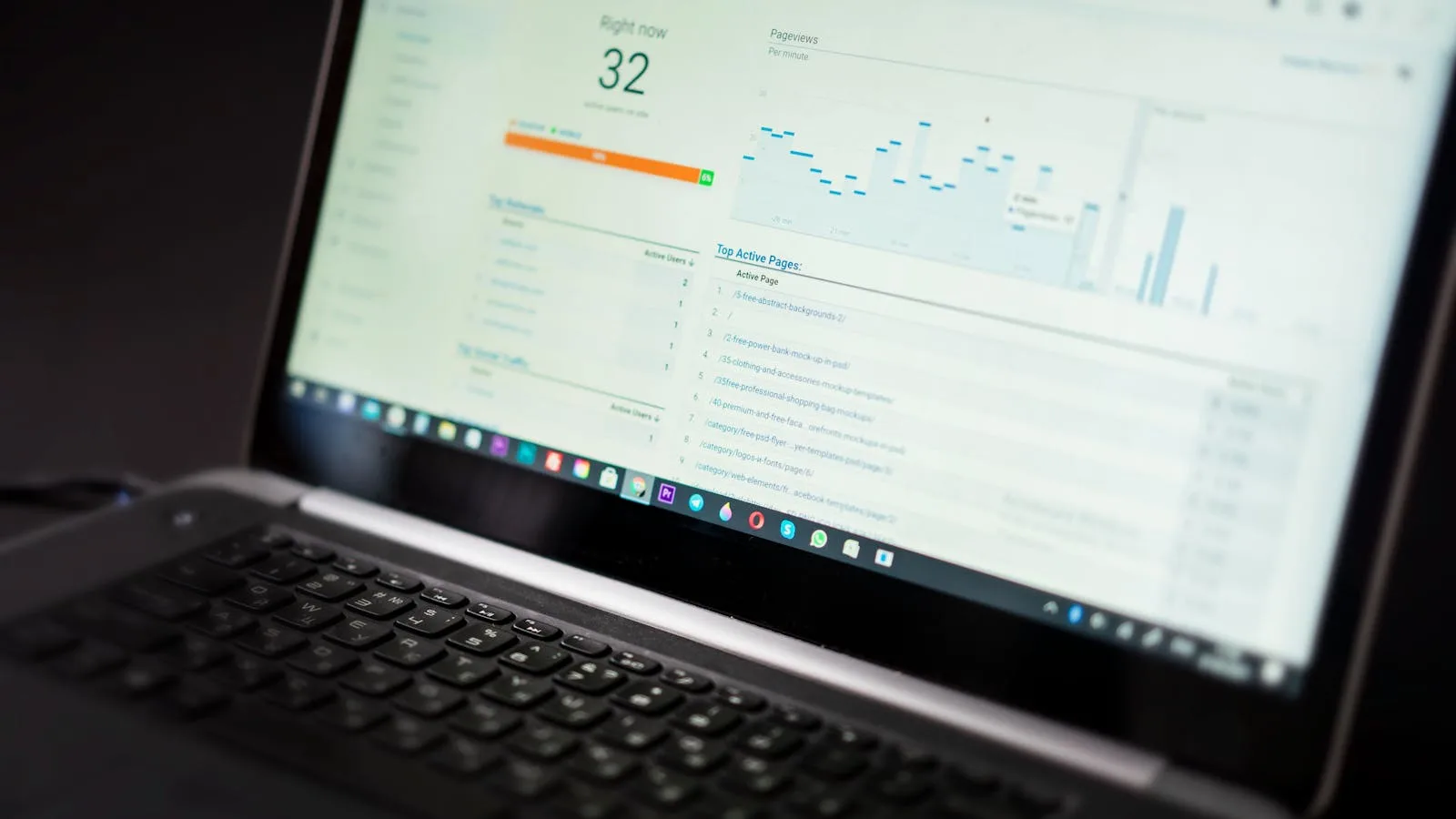
A slow site loses customers and Google rankings. We break down the most common causes of slowness and the steps to fix them.
Let's create something amazing together. Get in touch and we'll bring your vision to life.